Magazine
YouTube Studio finds outlier videos: Ask Studio comes to your phone
YouTube brings Ask Studio to mobile and replaces trends with research. Outlier videos, viewer data and AI insights change how you plan topics.
Contents · 3 sections
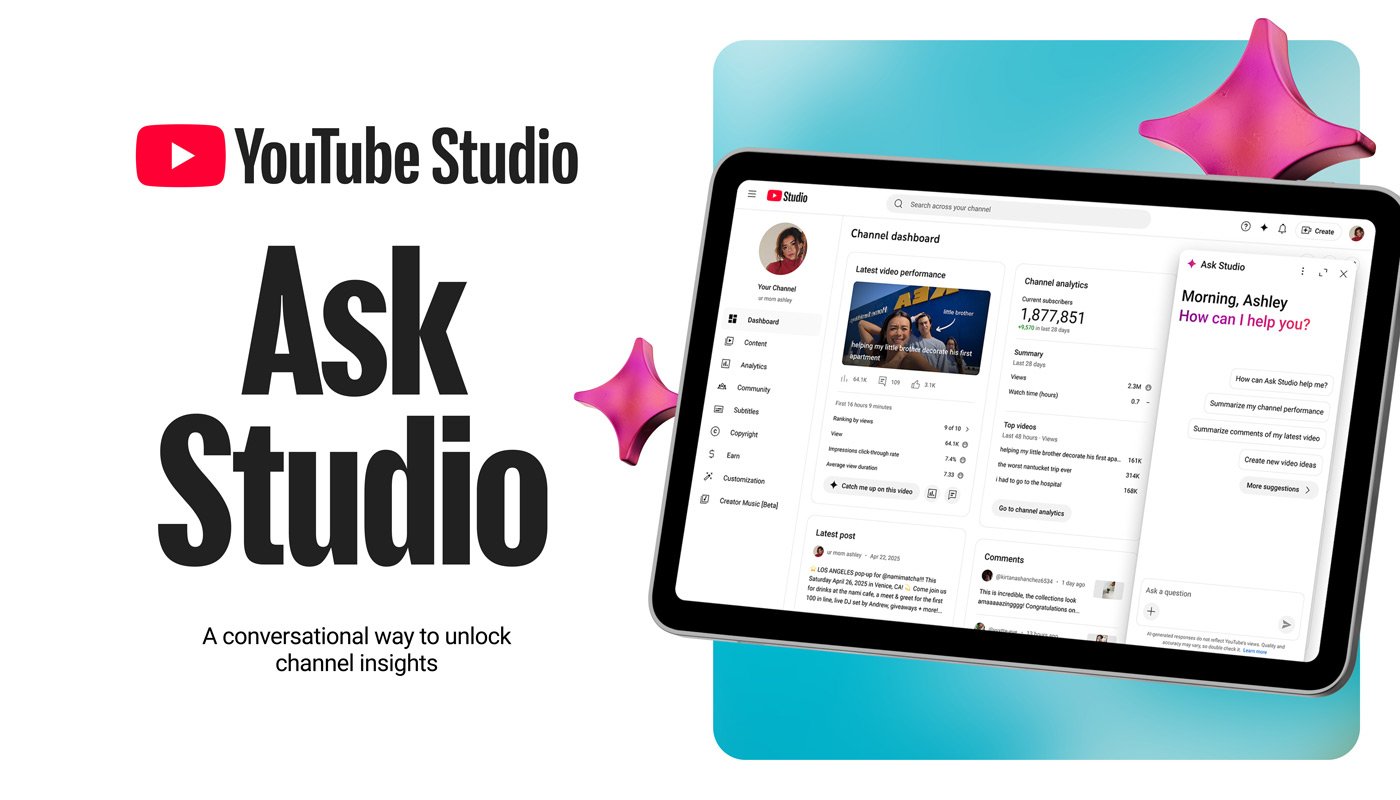
YouTube is turning its Studio into a tool for topic planning: since 13 November 2026, the AI assistant Ask Studio has been available on iPhone and Android too. On desktop, the new research interface Research and easy-to-understand Insights are added. Creators can use them not only to read their own metrics, but to examine, before producing a video, which videos perform unusually well in their niche.
Research shows not just trends, but outliers
The former Trends section becomes Research. Especially interesting is the view of so-called outlier videos: posts that perform considerably better than a channel's average. If you make tech videos, for example, you can use it to spot formats that give even smaller channels surprisingly much attention.
Filters such as "Watched by my viewers" focus the research on content your own community actually watches. You can also view regular videos and Shorts separately. Ask Studio is meant to explain patterns in titles, topics and thumbnails. Instead of copying a viral video, teams can derive their own question for their audience from it.
This step complements YouTube's earlier updates for custom feeds, Shorts series and the AI editor: there, AI changes how content is produced and discovered; now the editorial decision before filming moves to the center.
Ask Studio now also processes images
Creators can send the assistant up to ten images at once. This is useful, for example, when choosing between different thumbnail ideas, for graphic references or when planning a set. Because Ask Studio now runs in the Studio app, such questions can be asked on the go without switching to the desktop view.
The new Insights in turn summarize in plain language which videos brought new viewers, where watch time was especially high and how an upload compares to your usual level. The existing analytics charts remain.
Three useful applications for marketing teams
For brand channels, a simple workflow works well: first select two or three striking topics from your target audience in Research, then use Ask Studio to develop different title and thumbnail approaches, and after uploading, check which content actually wins new viewers.
If you continue to watch signals such as viewer interests and satisfaction in your planning, you can combine AI suggestions with real channel reactions. Especially with automatically worded recommendations, it's worth looking at raw data: the debate about faulty AI insights in marketing shows why your own analytics check should remain part of the workflow.
Availability: According to YouTube, Ask Studio and image uploads are available worldwide to eligible creators on desktop and in the mobile app. Research and Insights are initially desktop features.
Sources: Official announcement from TeamYouTube, 13 November 2026 · YouTube Help on Ask Studio
Source